A landing page
One page for a service, a product or a launch, written by AI from a description and edited with follow up prompts.
AI generated and hand written websites
AI and HTML websites · Digily Link
Most people who need a website need one page that says who they are and how to reach them. That should not require choosing a host, configuring a certificate and learning a builder. Write a prompt or upload a ZIP, pick a digily.site address, and it is online.
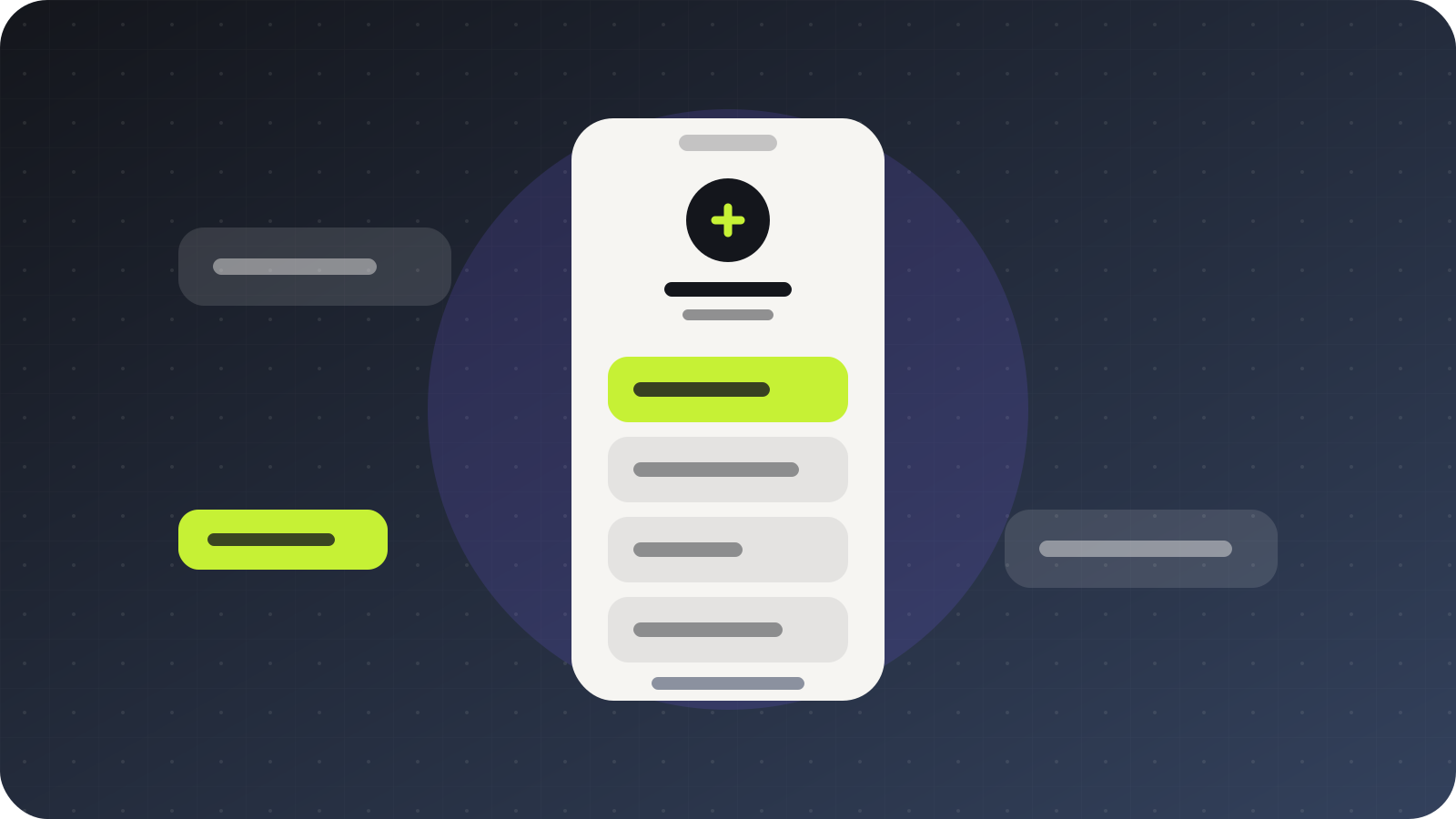
One page for a service, a product or a launch, written by AI from a description and edited with follow up prompts.
Work, contact details and a way to get in touch, at an address short enough to put on a card.
A hand built site, an export from a design tool or a static generator's output, uploaded as a ZIP and served as it is.
Something temporary that needs to look right, go up quickly and come down without leaving anything behind.
Digily Link tools
Publishing is the visible part. These are the pieces that make it worth keeping the site there.
Describe the site you want and get working HTML back. A gym, a bakery, a consultancy, a wedding page. It arrives as a real page rather than a template to fill in.
Ask for a pricing section, a rewritten hero or a different layout. Changes are applied to the files you already have.
The version before the last AI change is kept, so you can put it back. If you restore too far, you can redo the improvement.
An HTML file or a ZIP with your CSS, JavaScript and media inside. The allowed file types are listed in the upload panel.
The certificate is handled. There is no server to patch, no renewal to diarise and nothing to configure.
Visits recorded per site, plus password protection when a page should not be public yet.
Two ways to publish
Start from a prompt if you have nothing yet, or from your files if you do. Both end at the same place and you can switch between them afterwards.
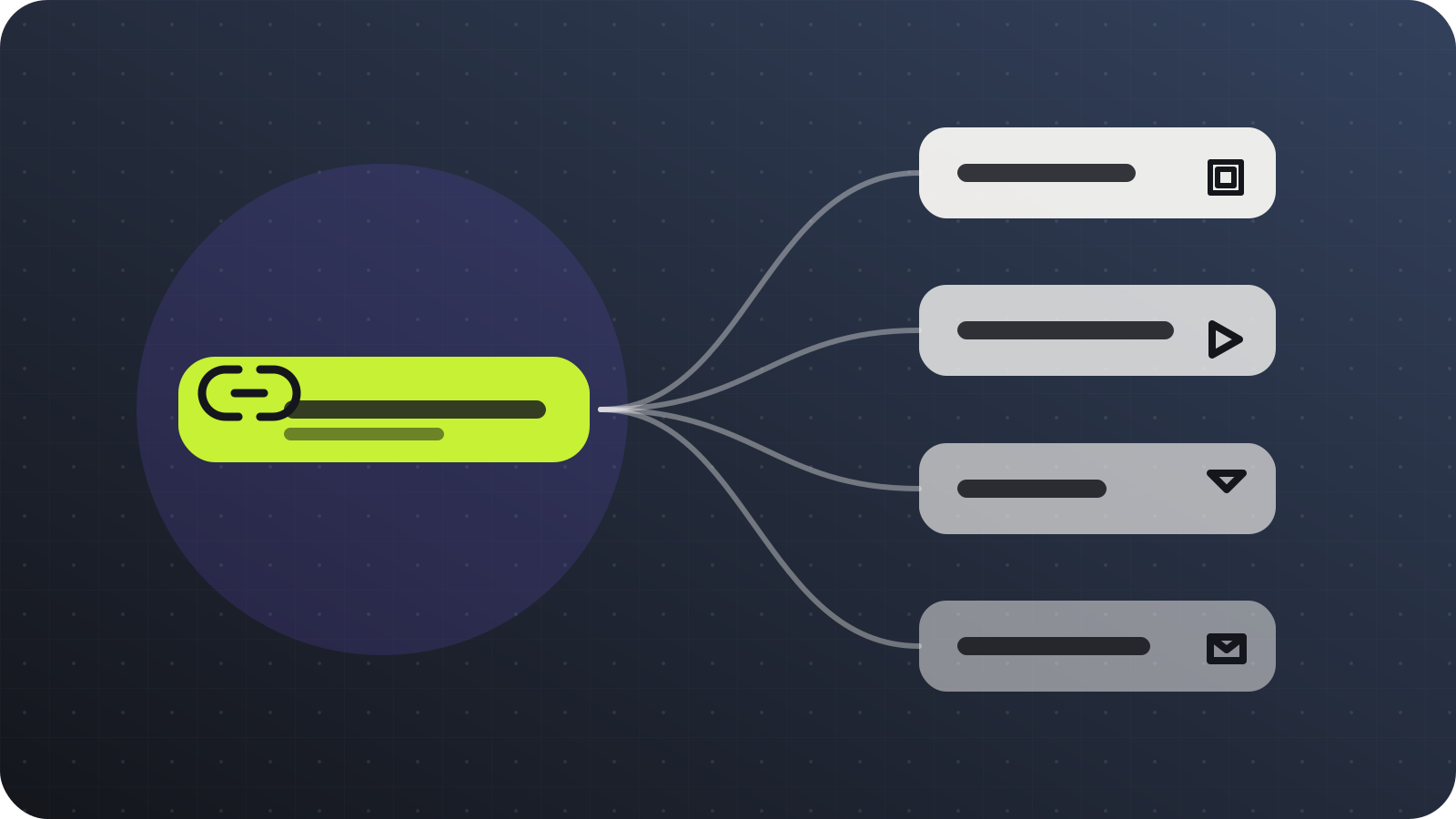
From nothing
Create a Digily Link account and start a new static site.
Write what the site is for, who it is aimed at and what should be on it.
Read what comes back, then ask for changes in plain language until it is right.
Choose digily.site and the name after the slash, then publish.
From your files
Put index.html at the root of the ZIP, with your assets in folders beside it.
Check that every path inside the files is relative rather than absolute.
Upload the ZIP and pick digily.site with the address you want.
Replace the ZIP whenever the site changes. The address stays the same.
Domain → Digily Link → Publish
digily.site is not a separate hosting company. It is one of the domains you can pick inside Digily Link when you publish an AI generated or hand written website.
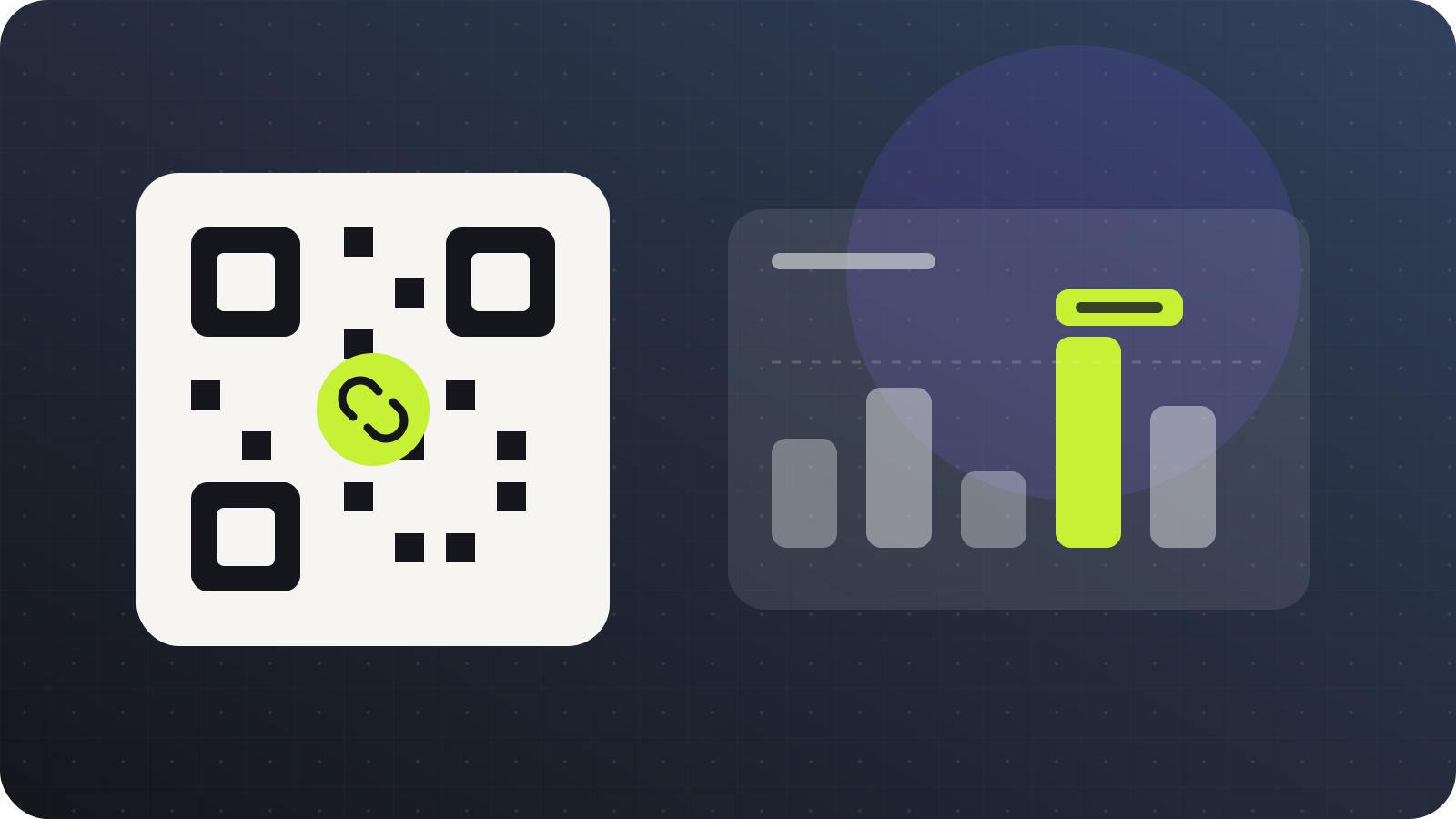
The files, the address, the statistics and any short links or QR codes pointing at the site all sit in the same account. Nothing to connect, and no second subscription.
Take a look at Digily LinkWho reaches for it
Anyone who needs one good page online and would rather not take on a hosting arrangement to get it.
The ending says what it is
A .site ending reads as a website rather than as a redirect, which matters when the address is printed on a card or read out loud with no page around it to give context.
Short and direct
What you can publish, how the AI part works, what happens to your own files and what it costs.
digily.site is a domain you can choose inside Digily Link when you publish an AI generated or hand written HTML website. It is not a separate hosting company and it does not need its own account.
Upload an HTML file or a ZIP containing your site, choose digily.site as the domain and pick the address. The files are served as they are, over HTTPS, with nothing to configure.
index.html at the root, with your CSS, JavaScript, images and fonts in folders beside it rather than wrapped in an extra directory. Paths inside the files should be relative. The panel lists which file types are allowed inside the archive.
Working HTML for the site you described, rather than a template with placeholder text. You can then ask for changes in plain language, such as adding a pricing section or rewriting the opening.
Yes. The version saved before the last set of AI changes can be restored, and if you restore too far you can redo the improvement.
On eligible plans you can connect a domain you own, so the same site is served from your own address with the same tools behind it.
Yes. Password protection can be turned on for a site, which is the usual way to show something to a client before it is announced.
Yes, within the limits of the free Digily Link plan, with no card required. AI generation and improvement are subject to a monthly allowance that depends on your plan.
Start on Digily Link
Open a free account, describe the site or upload your files, and it is live on HTTPS in minutes. Keep editing it with prompts or replace the files whenever you like.